For iPhone · Free public beta
Earn your scroll.
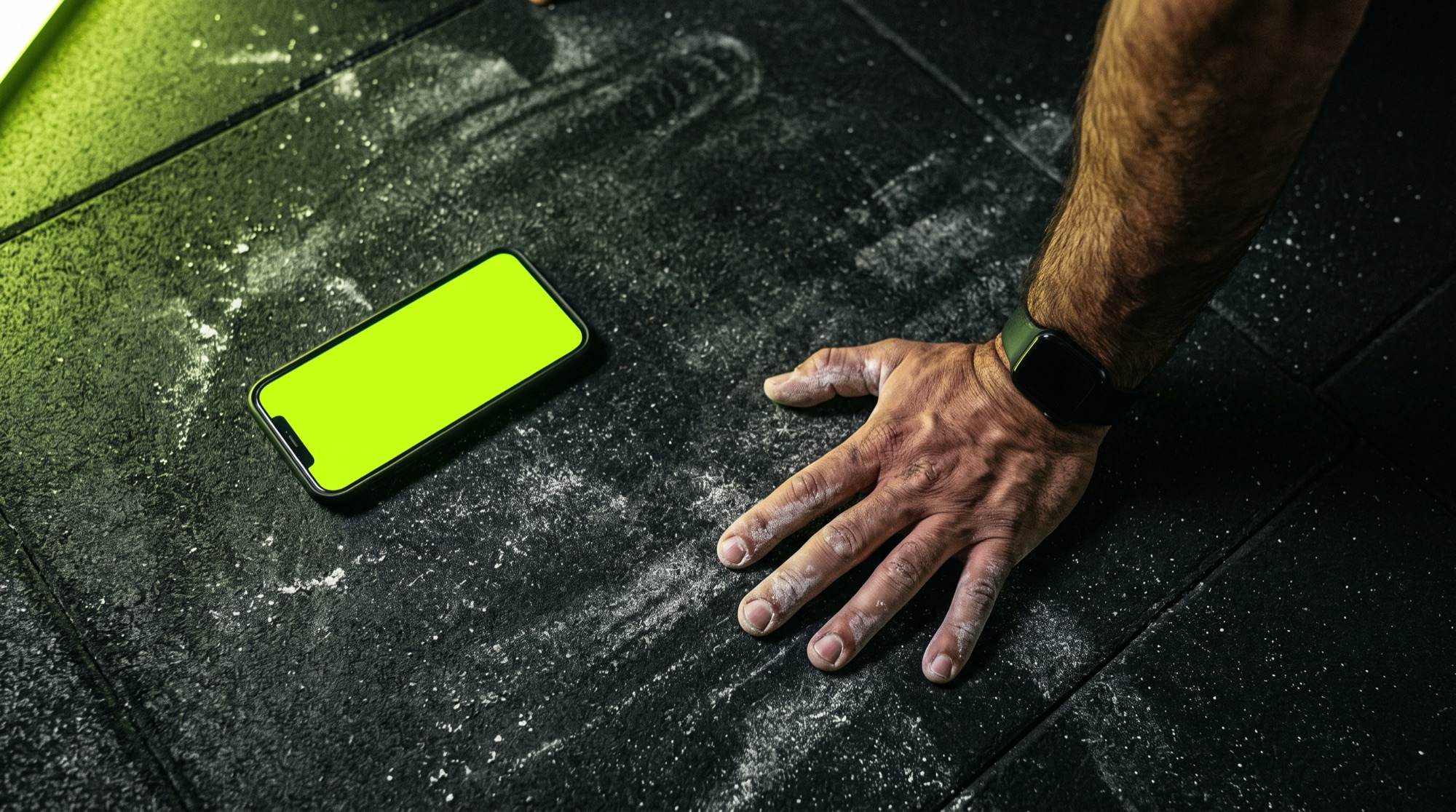
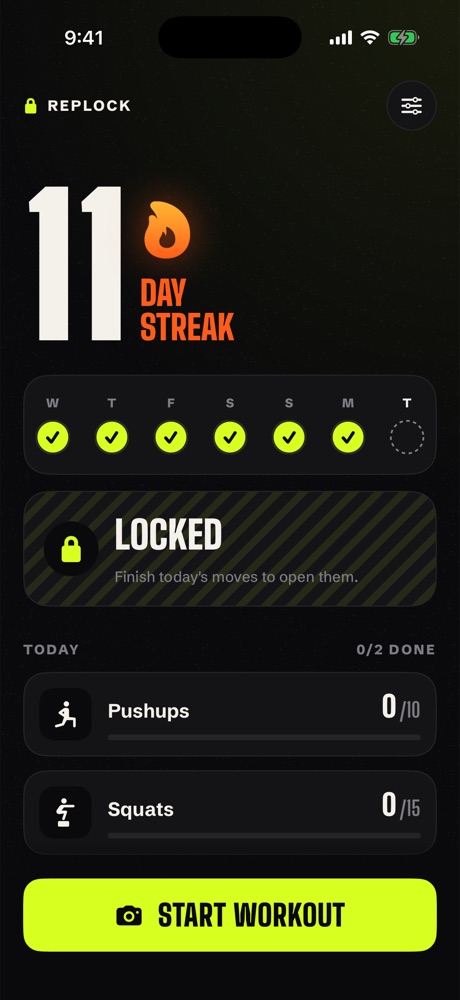
RepLock locks the apps that eat your day. They open again after your pushups, and the camera is the one counting.
Opens in Apple's TestFlight app. iPhone, iOS 17 or later.
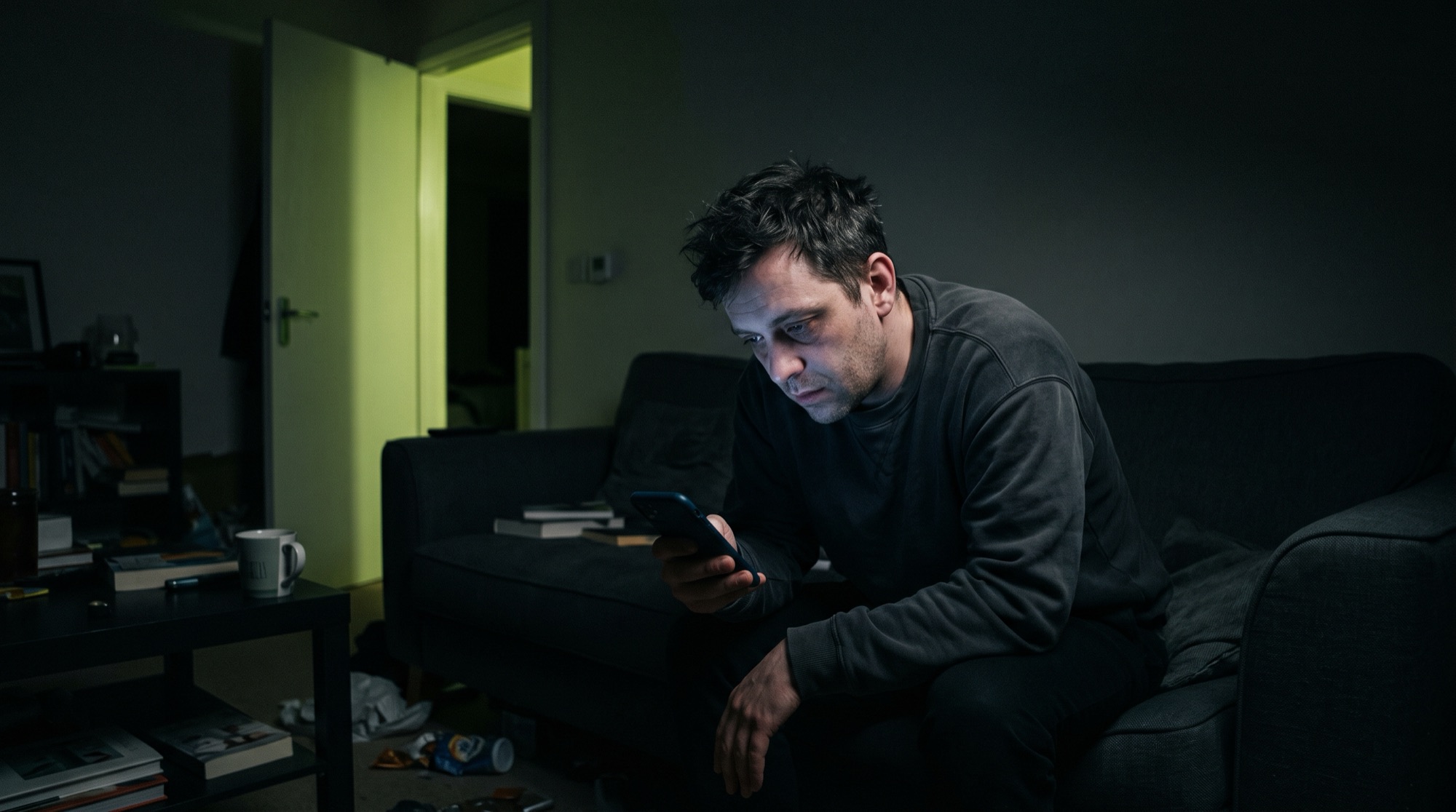
Screen Time has an Ignore button.
You press it. Everyone presses it. A limit you can wave away with one tap was never a limit.
RepLock swaps that button for something harder to fake: ten pushups, counted by your camera. Do them and you're in. Don't and the apps stay shut till tomorrow.
How it works
Three screens.
Then it runs itself.
-
01
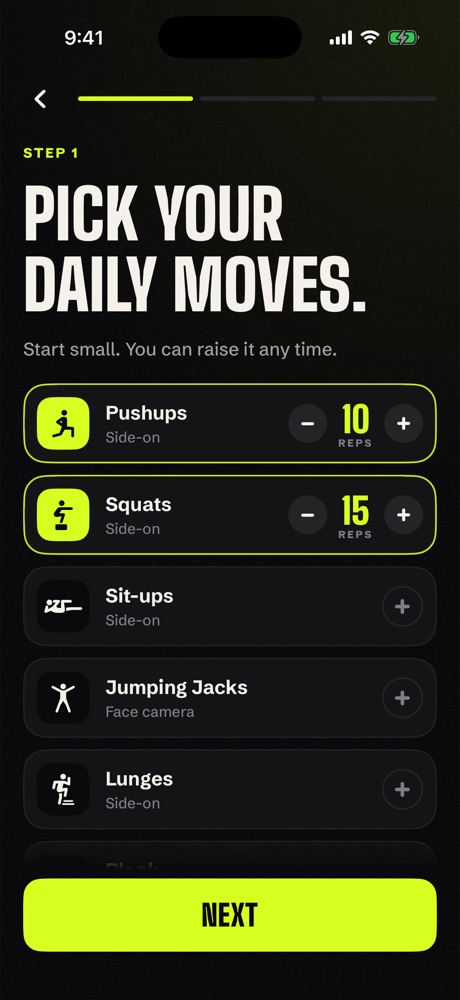
Pick your moves
Choose from ten, set the number, done. Pushups and squats start switched on. Take either to zero if they're not for you.
-
02
Choose what locks
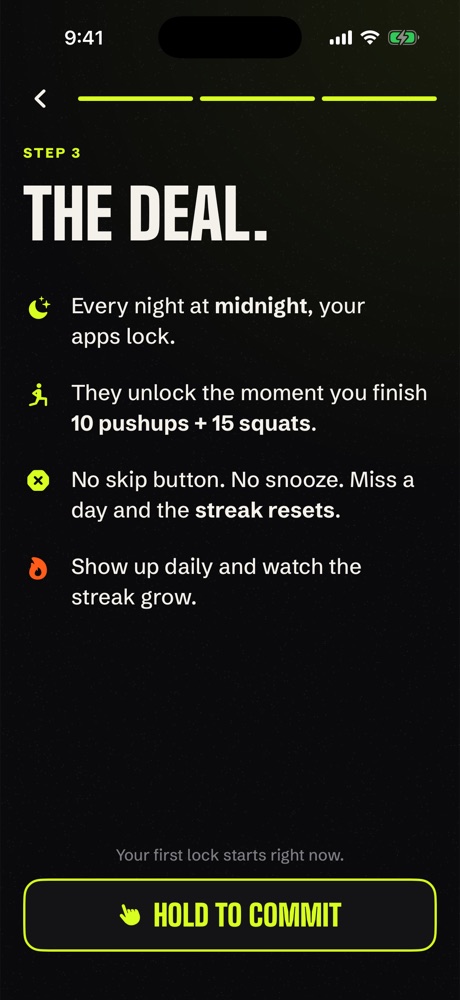
Pick apps, whole categories, or websites through Apple's own Screen Time picker. At midnight they lock. Every night, on its own.
-
03
Move. They open.
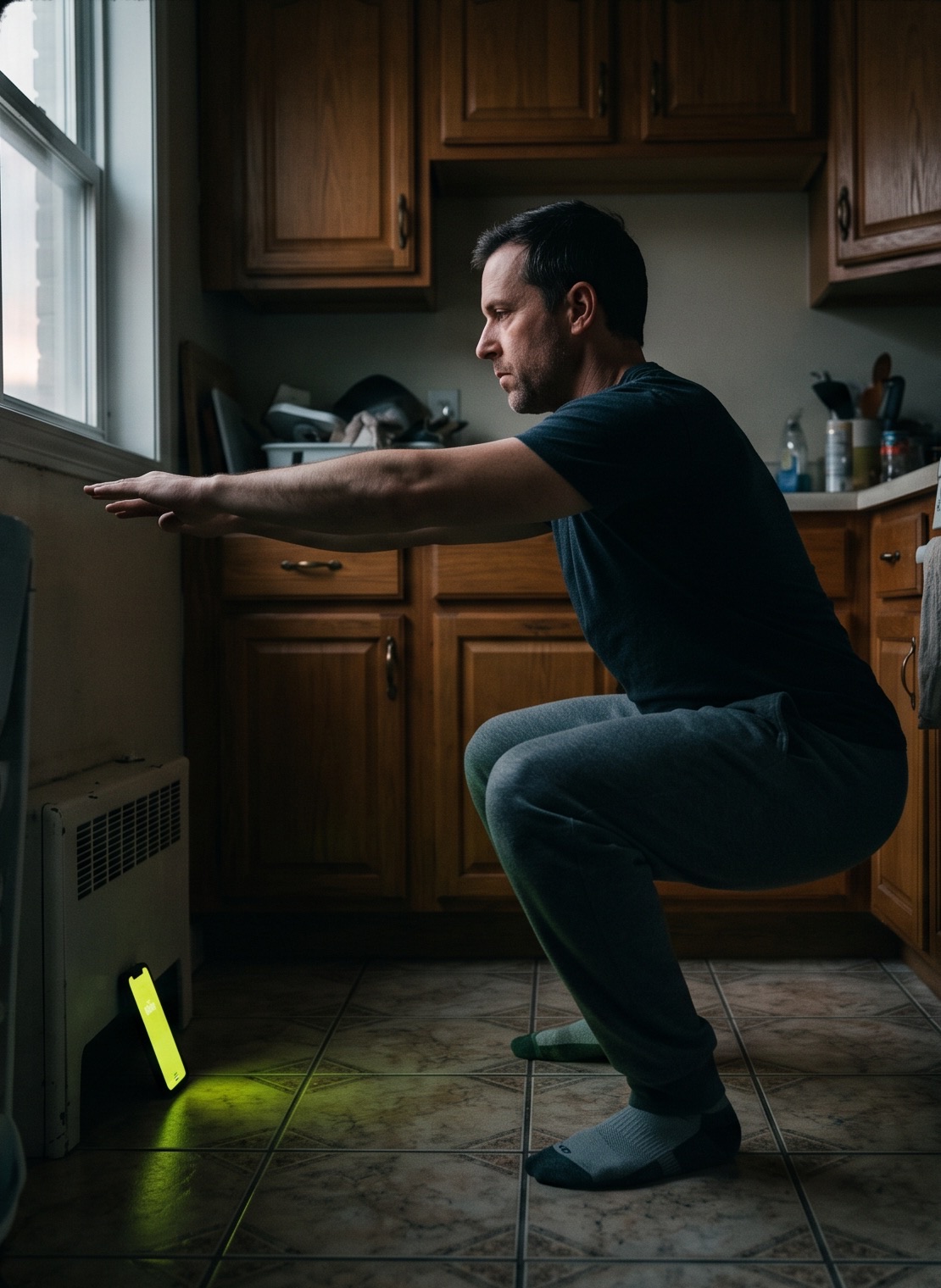
Prop your phone on the floor and go. The count is big enough to read from two metres away and it's said out loud too. Hit the number and everything unlocks until midnight.
The counter
Half reps
don't count.
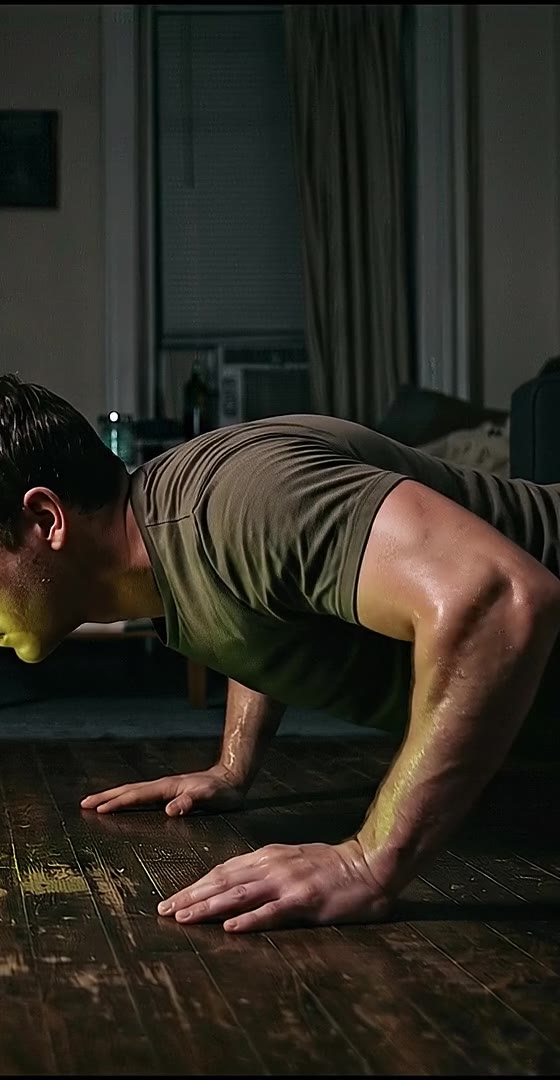
RepLock reads your joints through Apple's on-device body-pose model and watches the angles. A rep only counts when you go all the way down and all the way back up.
The camera feed never leaves your phone. Nothing is recorded, nothing is uploaded, and we don't have a server to send it to.
| Move | What we check |
|---|---|
| Pushups | Elbow bends past 100°, straightens past 145°, body flat |
| Squats | Knee under 105° then locked out over 155° |
| Sit-ups | Shoulders all the way down, then hips closed under 75° |
| Jumping jacks | Hands above shoulders and feet wide, then back in |
| Lunges | Back knee drops under 110°. Each leg counts |
| Burpees | Flat on the floor, then fully standing |
| High knees | Knee rises near hip height. Each knee counts |
| Glute bridges | Hips rise until knee, hip and shoulder line up |
| Plank | Timer only runs while your body stays straight |
| Wall sit | Timer only runs with knees near 90° |
The streak
Miss a day
and it's zero.
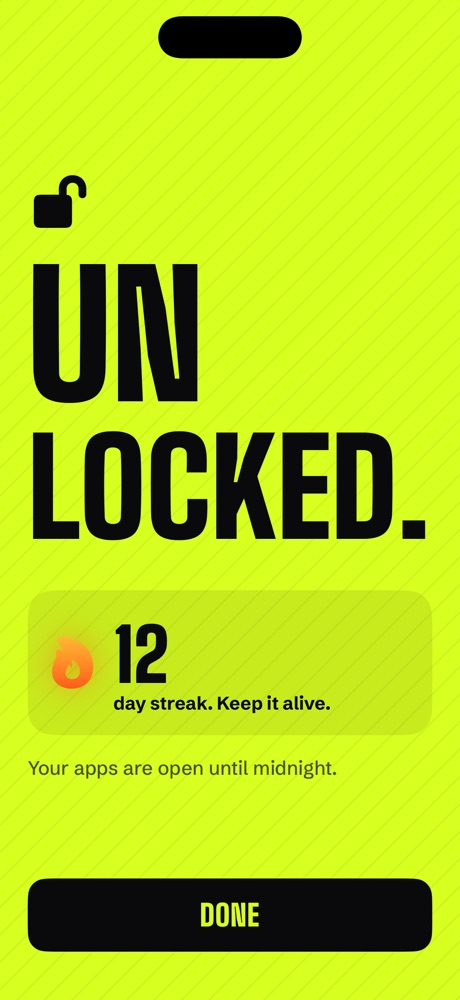
That's the whole trick. Nobody wants to be the person who broke a 40-day streak over a video they don't remember watching.
Busy day? Set targets you can hit on your worst one. Five squats still keeps it alive.
The rules are the rules.
- No skip button
- There isn't one. Not hidden in settings, not behind a paywall.
- Easier waits for tomorrow
- Adding reps or apps applies now. Lowering them kicks in at midnight, so you can't negotiate with yourself mid-craving.
- Lockdown
- While you're locked, apps can't be deleted. RepLock included.
- Calls always work
- Phone calls and emergency services are never blocked. iOS guarantees it.
Questions
Straight answers.
Can I cheat?
A little. iOS always lets you turn off an app's Screen Time access in Settings, and no app can stop that. RepLock notices, though, and your streak goes back to zero. Most people decide the pushups are cheaper.
What if I'm sick or injured?
There's no sick-day button. That's on purpose. Pick moves you can do on a bad day: wall sits, glute bridges, or five squats all count. You can lower your targets any time; it takes effect the next day.
Does it record me?
No. Frames go straight from the camera into Apple's on-device pose detection and are thrown away. There's no account, no cloud, and no analytics. Your goals and streak live only on your phone.
Where do I put my phone?
For most moves, on the floor about two metres away, looking at you side-on. Jumping jacks and high knees want you facing it at waist height. The app tells you before each move and says when it can see all of you.
Which phones?
iPhone on iOS 17 or later. The beta runs through Apple's TestFlight app: tap "Join the beta", install TestFlight if you don't have it, then install RepLock from there. Android isn't planned yet. Its app-blocking tools aren't strong enough to do this properly.